
Websites for coffee shops and cafes
Cafe and coffee shop websites people actually check before they come in
Most cafe visitors want three things: are you open, what is on the menu, and where do I park. A SiteBee cafe site answers all three in seconds, shows off your space and drinks, and gives regulars a reason to come back.
What every coffee shop website needs
Hours, right at the top
Updated the moment they change, including holidays.
A menu people can read on a phone
Text, not a blurry photo of a chalkboard. Seasonal drinks up top.
Photos of your space and drinks
Atmosphere is half of why people choose a cafe.
Ordering or catering links
If you take online orders or catering, link them clearly.
Location, parking and seating
Laptop-friendly? Patio? Dog-friendly? Say so.
What customers type into Google
Use the same words on your site, by name, so customers and search engines can match you.
- coffee shop
- cafe near me
- breakfast cafe
- latte
- coffee catering
Mistakes we see on coffee shop sites
- A PDF menu that does not load on phones
- Wrong holiday hours
- No photos of the actual space
How the seasons change what you should feature
Your homepage should match what customers need right now. Here is how that shifts by climate.
Hot and dry (Phoenix, Riverside, Sacramento)
Iced drinks and cold brew carry most of the year in the heat. Feature them first and mention shade or indoor seating.
Hot and humid (Dallas, Houston, Miami)
Cold drinks and a cool indoor space are the draw on muggy days. Lead with iced and blended drinks.
Cold and snowy (Chicago, Boston, Detroit)
A warm, cozy space is your best selling point in winter. Feature seasonal hot drinks and baked goods.
Four seasons (New York, Washington, Philadelphia)
Seasonal menus are a built-in reason to update your homepage four times a year.
Mild and damp (San Francisco, Seattle, Portland)
Gray, drizzly days drive people indoors for a warm drink. Show off your cozy seating and pastries.
Mild and dry (Los Angeles, San Diego, San Jose)
Patio weather most of the year is a selling point. Show your outdoor seating.
High and dry (Denver, Salt Lake City, Boise)
Morning commuters and weekend trail crowds both stop for coffee. Make hours and grab-and-go options obvious.
Example coffee shop designs
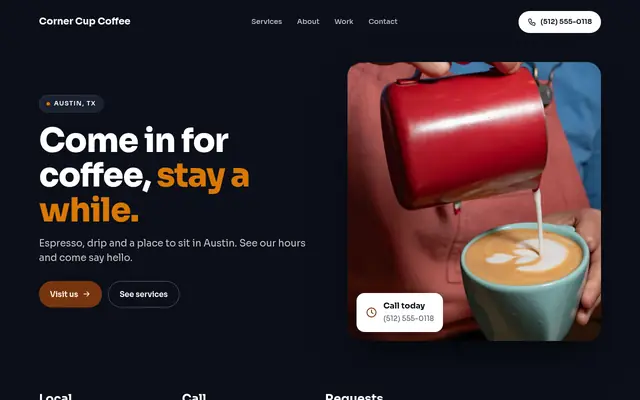
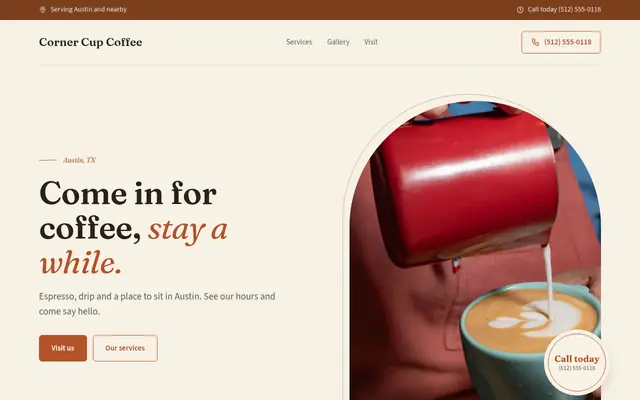
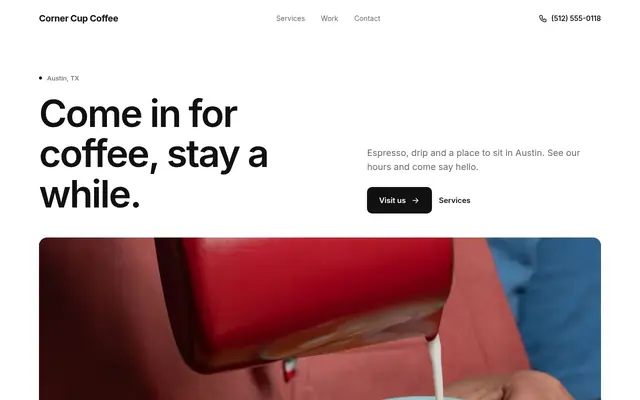
Sample sites for a fictional business. Yours uses your own name, services, hours and photos.
Pricing
Starter
A clean one-page site, live today.
- 1-page website
- Hosting and SSL included
- yourname.sitebee.co or your own domain
- Edit text, photos and hours anytime
- Email support
Pro
A full site that brings in leads.
- Everything in Starter
- Opening logo reveal
- Multi-page site (up to 6 pages)
- Standard .com included (up to $15/yr value)
- Contact and booking form
- Google Maps embed
- Basic analytics
Max
We keep you showing up on Google.
- Everything in Pro
- Opening logo reveal
- SEO setup: Google Business Profile, schema, sitemap
- Monthly local SEO tune-ups
- Priority edits, same business day
- Monthly performance report
Starter covers most cafes with one polished page for hours, menu highlights and location. Pro adds more designs and a full menu section. No setup fee, cancel any time.
Coffee Shops & Cafes: common questions
Can I put my menu on my cafe website?
Yes. Add your menu items as text so they read well on phones and update them whenever your specials change.
Can I link online ordering?
Yes. Put your ordering link on the main button from your dashboard.
How do I keep holiday hours up to date?
Edit your hours from your phone in the dashboard. Changes go live when you publish.
Should I show photos of my space?
Yes. People choose cafes for the atmosphere. Upload your own photos any time.
Can I take catering requests?
Yes. The request form can collect the date, headcount and what they need.